
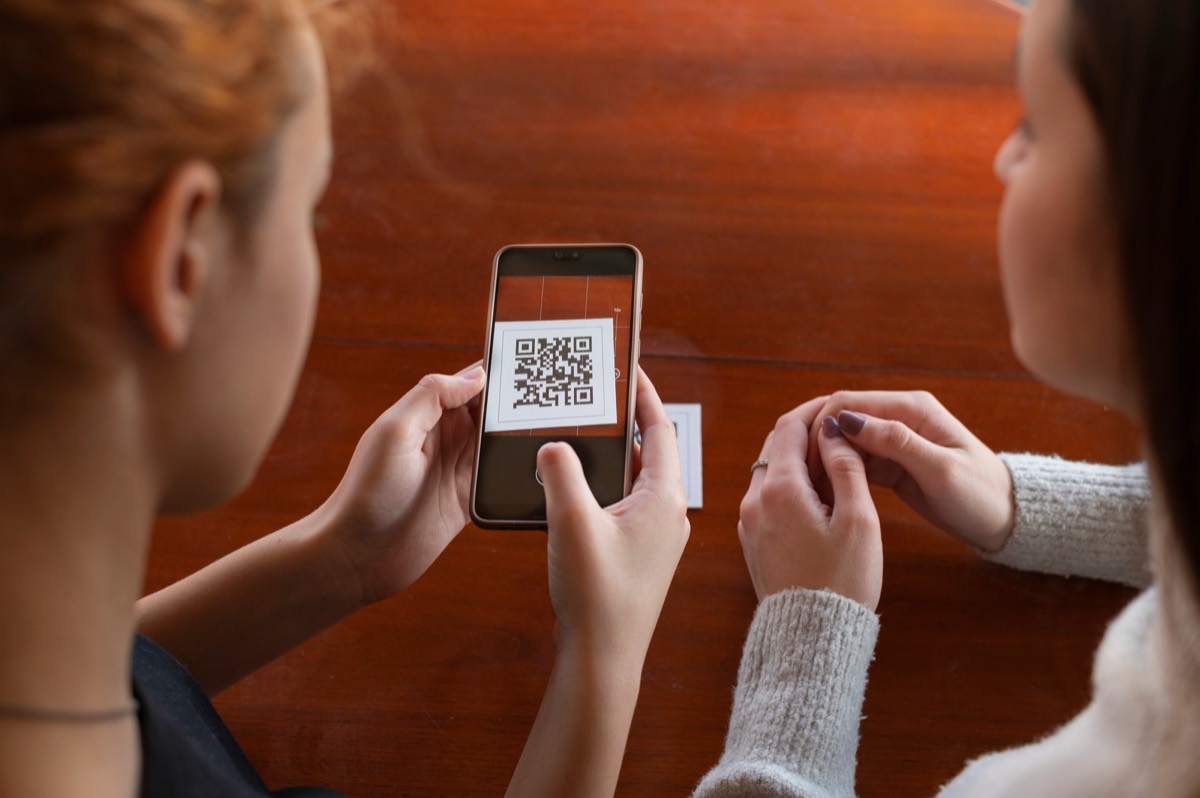
- A QR code can only be tracked if it points at a redirect link rather than at the final page. That is what a dynamic QR code is.
- Per scan you can learn the time, the country and city, and the device type. You cannot learn who the person is.
- Setup: create the code in a tracking tool, download it, print it, and read the scan log. Add a UTM parameter if you also want to see conversions in your web analytics.
You track QR code scans by encoding a short redirect link in the code instead of your final URL. Each scan hits the redirect server first, which records the time, the rough location and the device, then forwards the person to your page. Codes built this way are called dynamic. Codes that encode the final URL directly are static and cannot be tracked at all.
What a QR code actually contains
A QR code is just text, usually a URL, drawn as a grid of squares. The phone's camera reads the text and opens it. Nothing in the code itself can count anything. The only way to know a scan happened is for the URL to lead to a server you control, which logs the request before sending the person onwards.
That gives two kinds of code:
| Static QR code | Dynamic QR code | |
|---|---|---|
| What is encoded | Your final URL | A short redirect link |
| Can scans be counted? | No | Yes |
| Can the destination change after printing? | No | Yes |
| Works if the tracking service disappears? | Yes | No, it depends on the redirect |
| Typical cost | Free everywhere | Usually a monthly fee; free on QList |
The last row is the honest trade-off. A dynamic code ties you to the service that runs the redirect. Choose one you expect to still be there when the stickers are.
What you can learn from each scan
When the redirect server receives a scan, it sees a normal HTTP request. From that request a tracking tool can record:
- Time and date. Exact, from the server clock.
- Country and city. Derived from the IP address. City-level is a reasonable estimate on mobile networks, not a precise location.
- Device and operating system. From the browser's user-agent string: iPhone, Android phone, tablet, desktop.
- Whether it looks like a bot. Link previews in WhatsApp, Slack, iMessage and email clients, plus security scanners, all fetch URLs. A good tool scores these and flags them.
What it cannot record: the person's name, phone number, email, or exact GPS position. Nothing is installed on the phone and nothing is asked of the user. If a vendor claims to identify individual scanners, be sceptical.
Step-by-step setup
This is the QList flow; other dynamic QR tools follow the same shape.
- Create an account with an email address. No card.
- Create a QR code. Paste the destination URL, give the code a name you will recognise later ("Spring flyer, Ljubljana"), and optionally put it in a Project Group.
- Download the code as an image and place it in your design. Keep the quiet zone (the blank margin) and do not shrink it below about 2 cm on printed material.
- Test it by scanning the printed proof with two different phones before the print run.
- Read the scan log. The code's details page lists every scan with time, location and device, with a map and a date filter. Bot hits are flagged.
- Re-point if needed. If the landing page moves, edit the destination in the dashboard. The printed code keeps working.
Measure the campaign, not just the scans
A scan log tells you how many people scanned, where and when. To learn what they did afterwards, add a UTM parameter to the destination URL when you create the code, for example:
https://example.com/spring-offer?utm_source=qr&utm_medium=print&utm_campaign=spring-flyer
Your web analytics will then show those visits as their own source, with pages viewed and conversions. The QR scan log and the analytics session count will differ slightly (bots, people who scan and close the page before it loads), and that is normal.
Use one code per placement. A flyer, a poster in the window and a newspaper ad with three different codes tell you which placement earned its cost. One code shared across all three tells you only the total.
Common mistakes
- Printing a static code "to keep it simple". It cannot be measured and cannot be fixed if the URL changes. If anything will be printed in quantity, use a dynamic code.
- Pointing the code at a desktop-only page. Almost every scan is from a phone. Check the destination on a phone first.
- Trusting raw totals. Filter or flag bots before you compare placements.
- Forgetting the quiet zone. A code with design elements touching its edge fails on some phones.
- Letting the tracking subscription lapse. With a paid tool, an unpaid invoice can mean every printed code stops working. This is one reason QList's codes are free with no expiry.
Related
- QR code tracking on QList: what is recorded and how the dashboard presents it.
- How to make a QR code menu: the restaurant case, where re-pointing matters most.
- QR code statistics 2026: what the sourced numbers say about where codes get scanned.
Frequently asked questions
Can a static QR code be tracked?
Not directly. A static code encodes the final URL, so no server sits in between to count the scan. The only workaround is to put a UTM parameter in the URL and read sessions in your web analytics, which cannot separate scans from people who typed or clicked the same tagged link.
Can I see who scanned my QR code?
No. A scan is an anonymous web request. Tracking tools see the IP address (which gives a rough location), the time, and the browser's device type. They do not see a name, phone number or email address.
Why does my scan log show scans I did not expect?
Messaging apps, email clients and security scanners fetch links to generate previews or check for malware. Those hits look like scans. QList flags them as bots so they do not inflate your totals.
Does QR code tracking cost money?
Usually, yes: most generators charge a monthly fee for dynamic codes. QList's tracking is free with no scan limit. See pricing.